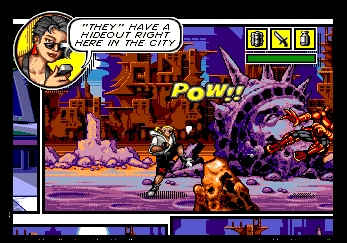

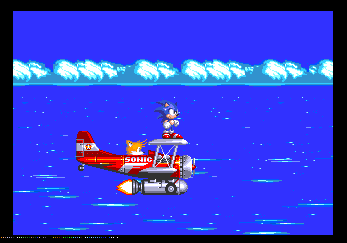
BlastEm is an open source, higly accurate emulator for the Genesis/Megadrive that runs on modest hardware. It is the first emulator to properly run Titan's impressive Overdrive 2 demo and it is the only other emulator besides Genesis Plus GX that can properly run the original Overdrive. It is the only emulator other than Exodus that passes Nemesis' VDP FIFO Testing ROM, can display "Direct Color DMA" demos and emulates CRAM contention (aka CRAM dots).
Despite this high accuracy, even the most demanding software runs at full speed on modest hardware like a 1.6GHz AMD E-350 laptop. In the future, I would like to port it to the ARM architecture and optimize it further to run on systems as modest as the original Raspberry Pi.
BlastEm requires a computer with a 32 or 64-bit x86 processor running Linux, OSX or Windows. There is experimental support for x86 Android devices like the Nexus Player, but due to the rough state of that port I am not providing pre-built binaries at this time. BlastEm depends on SDL2, GLEW and OpenGL. Binary builds bundle all dependencies that can't reasonably be expected to exist on the host. If built from source, BlastEm should also run on most Unix-like systems that SDL2 supports.
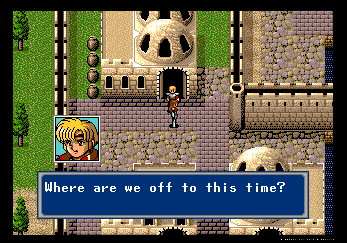
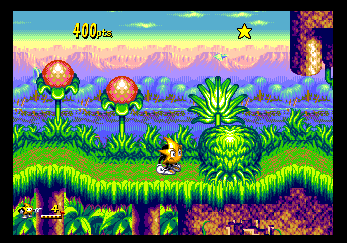
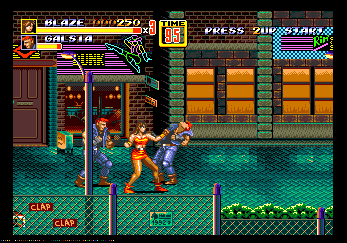
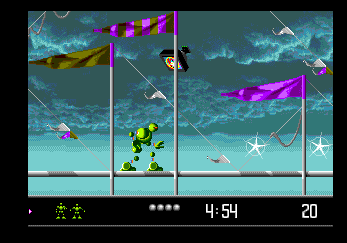
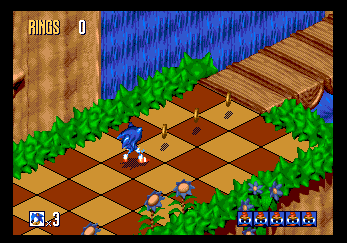
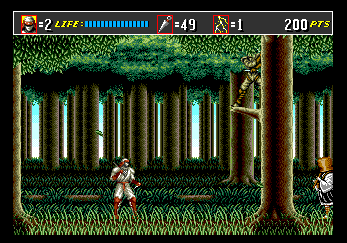
BlastEm 0.6.2 - Released March 28th, 2019
Usage of older releases is not recommended, but links can be found in the changelog.Each night at 11:45 PM Pacific Time, a new build will be started if there have been any changes since the night before. These builds are generally not tested so they may be buggier than the latest stable release; however, they may contain improvements to functionality and accuracy that are not present in the latest stable verison. Builds for 32-bit Linux, 64-bit Linux and Windows are available here.
Some individuals have taken it upon themselves to provide OS/distro specific packages. I don't maintain these so I can't vouch for their contents, but they may be more convenient than the generic binaries above. Note that these may or may not be up to date
Extract the tarball/zip to a directory of your choosing. If you're using it from the command line, you may also whish to add the blastem directory to your PATH environment variable.
Starting with version 0.6.0, BlastEm has an integrated UI using the Nuklear library. This UI allows changing most configuration options. This UI is unfortunately unavailable on systems that lack support for OpenGL 2, or if Open GL has been disabled in the BlastEm config. To edit the configuration manually, either modify default.cfg in place or copy it to ~/.config/blastem/blastem.cfg and modify the copy. BlastEm also supports a number of command line options and there are a small number of features that are only exposed there. For a list of all command line options, run blastem -h. For more details on the various options and information on editing the configuration file see the included README.
The code to BlastEm is available under the GNU GPL v3 or later. You can get it from the Mercurial repo.
Issues are tracked in the issue tracker/wiki. The following reports list issues of various categories for the current stable version:
I can be reached via email at pavone@retrodev.com. Follow me on Bluesky or join the BlastEm Discord for news on the latest releases.